 The Goodwill Ledger
 Free cybersecurity awareness tool
CyberLab QR
A free, hands-on demonstration that shows any audience how much an ordinary web page can quietly learn, remember and persuade. Run it in a company or a classroom in minutes. Everyone uses their own phone, and nobody is hacked.
What your audience will learn
In one short, memorable session, a room of people sees for themselves how everyday online trust is quietly exploited.
What a web page can read the instant it loads, without anyone filling in a form.
How a website recognises a returning visitor with no name and no login.
How a tempting offer leads people to grant location, camera and microphone access.
Why a permission prompt deserves a second of thought before you tap allow.
That a page you leave open keeps talking to its server and can change on its own.
The real lesson: most attacks begin with ordinary trust, not clever code.
How the session flows
Three QR codes, each one a little more revealing than the last. This is what people see on their own phones.
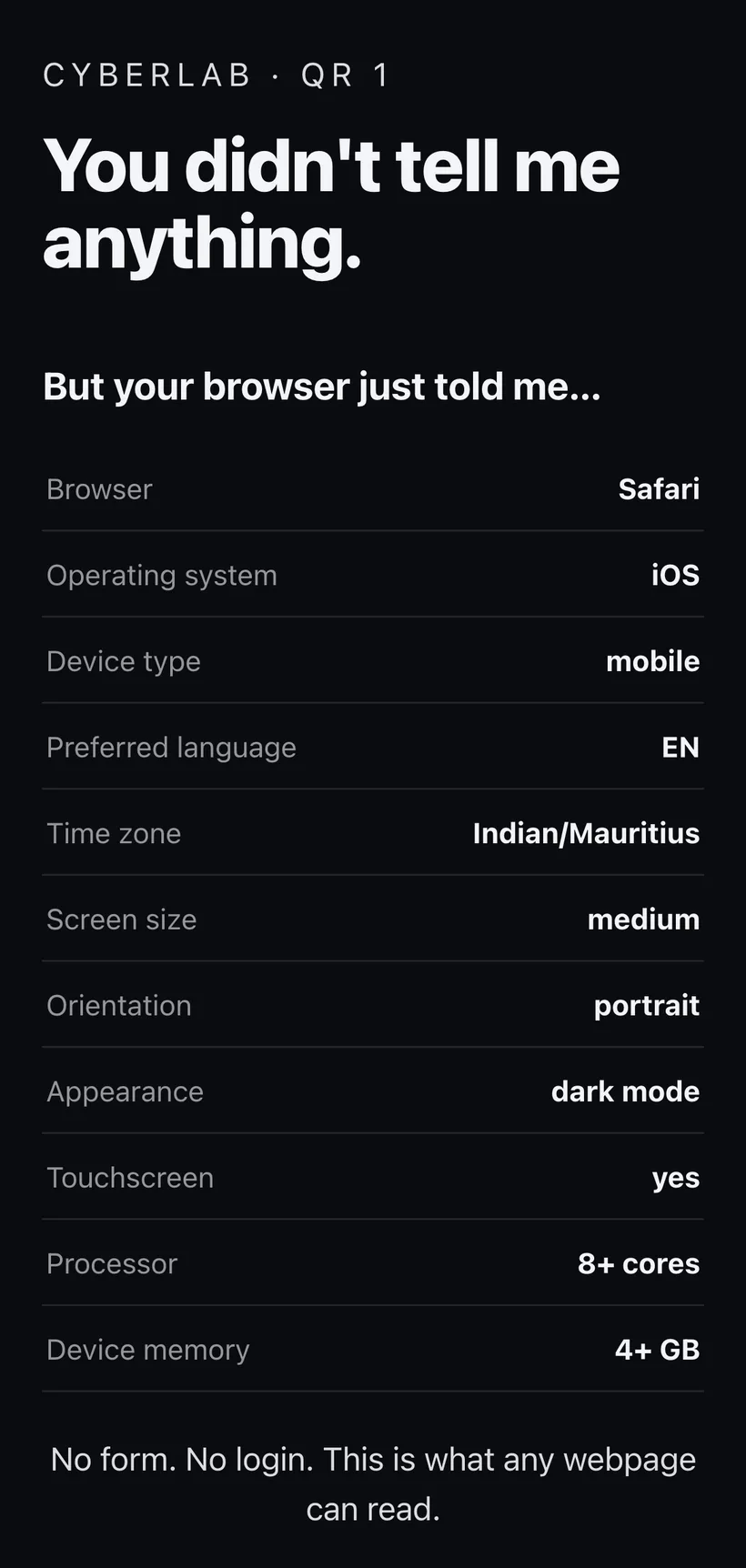
You told me nothing.
Yet the browser already revealed the device, language, timezone and more.
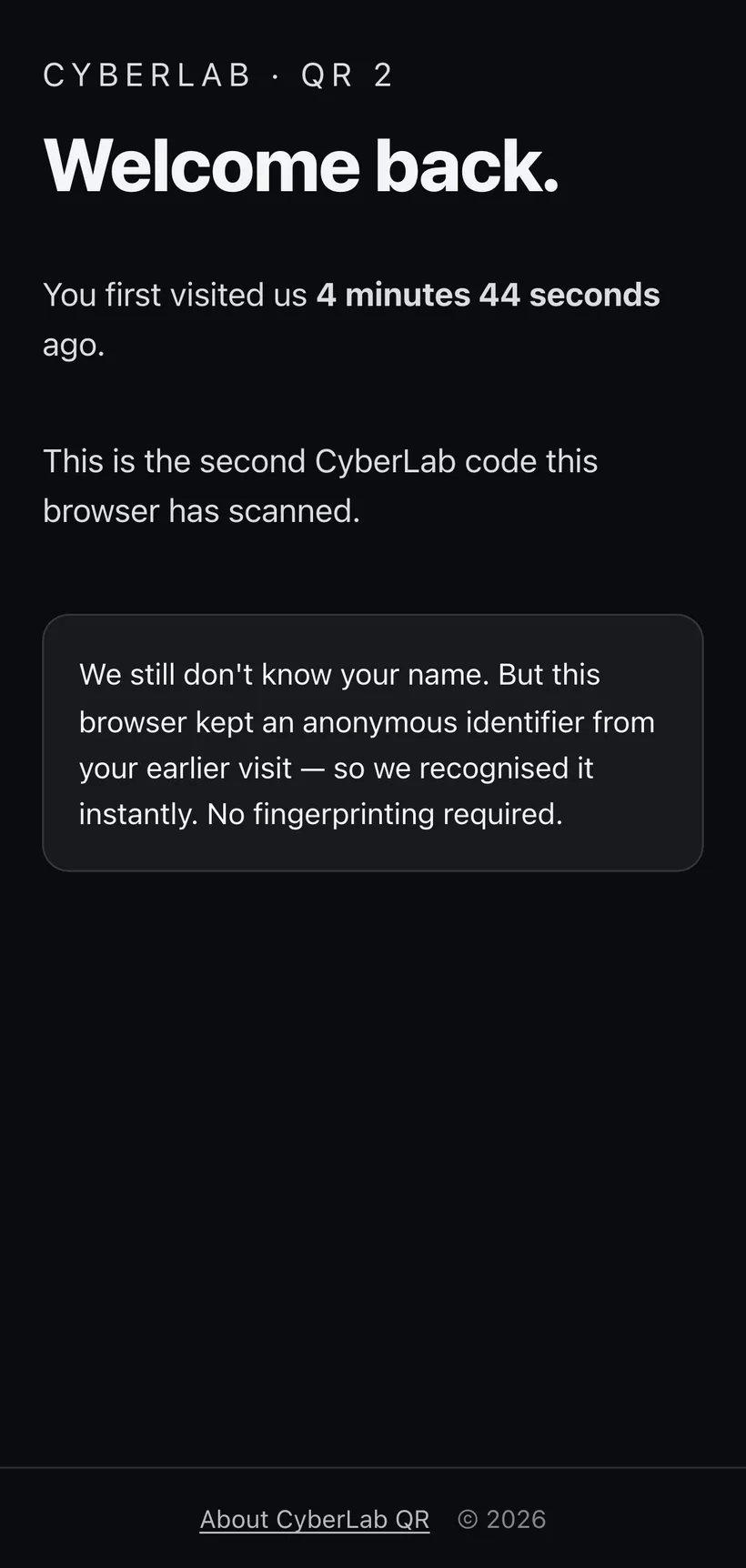
Welcome back.
A new QR code. A new page. Yet the website recognises this browser. No name required.
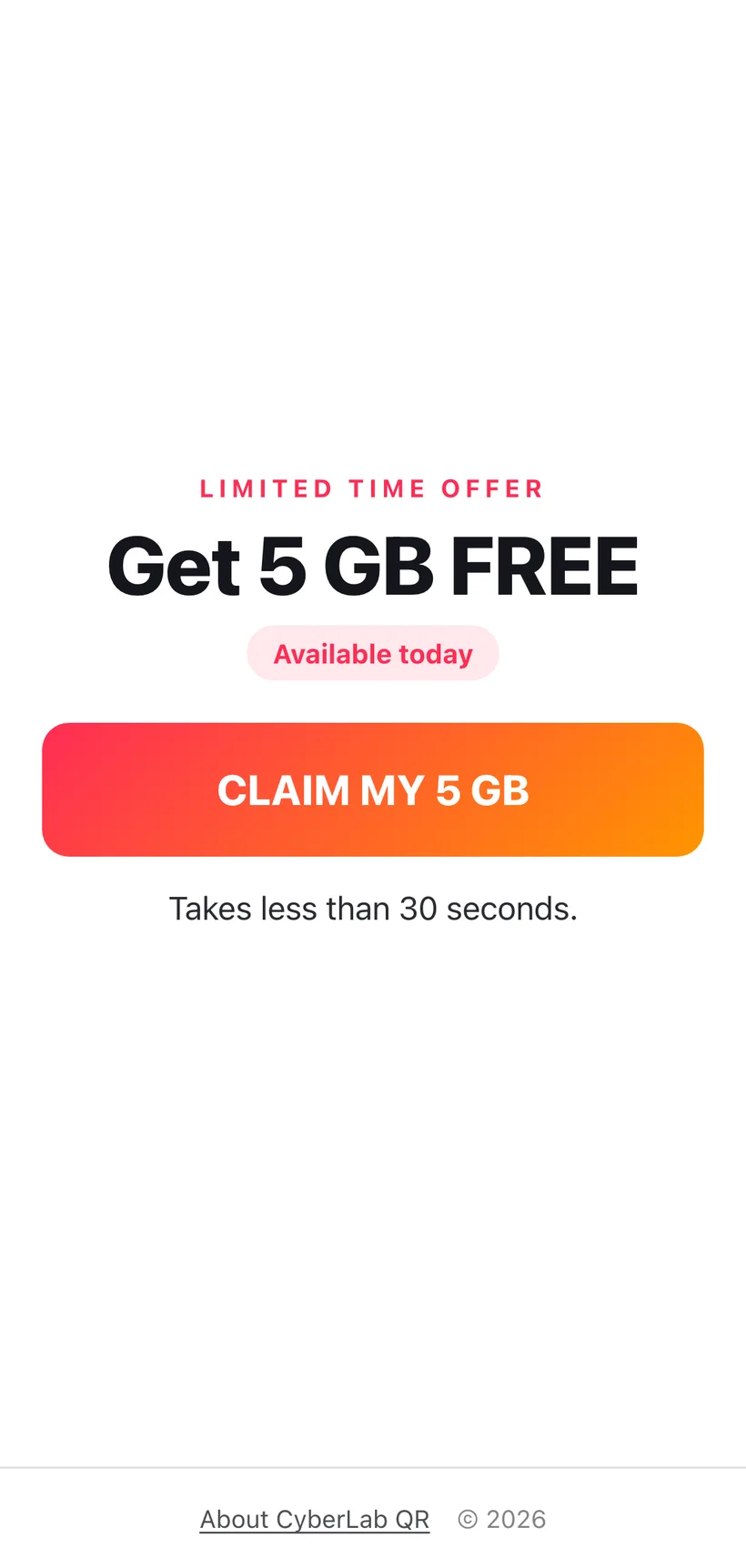
A tempting offer.
A "free offer" asks for location, camera and microphone access, one small tap at a time. Fully customisable per session.
What the room sees
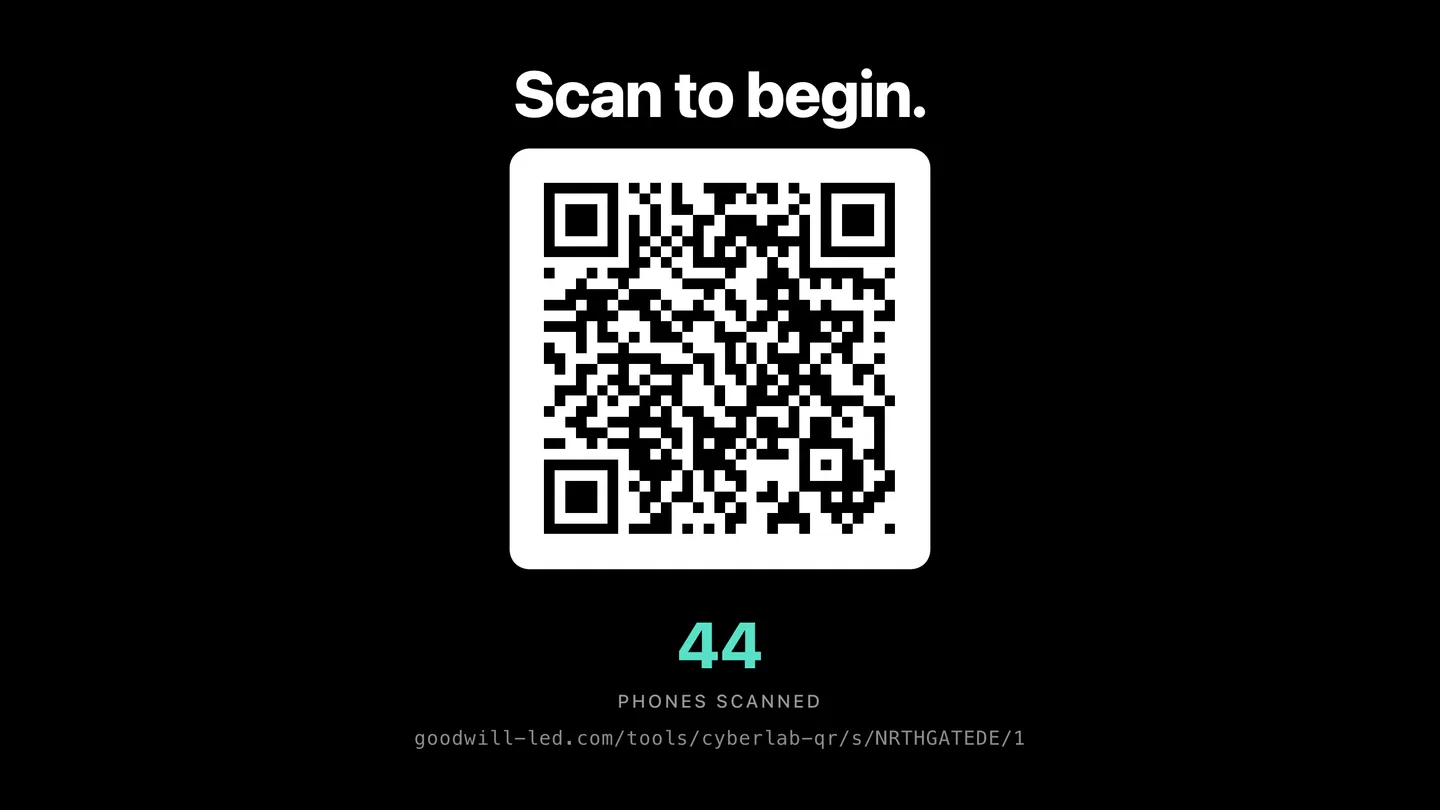
While everyone scans on their phones, a shared screen tells the story live, and lands the point at the end.

What to say at each moment
You do not need to be technical. Let the room's own numbers do the talking. Here is a simple script for each result as it appears on the screen.
QR1 What a page reads on load
- Nobody typed anything, yet the screen shows their device, browser, language and timezone.
- Every site receives this automatically, just by being opened. It is how you get profiled without agreeing to anything.
- Tracking networks combine these signals into a "fingerprint" that can recognise a browser with no cookie at all.
- Ask the room: did anyone agree to share this? No. It was sent simply by visiting.
QR2 Cookies and being remembered
- A new code and a new page, yet the site recognises the browser. This is cookies at work.
- Explain it simply: on the first visit the site stored a small tag in the browser, like a cloakroom ticket. The browser hands it back on the next visit, so the site knows it is you.
- No name, no login, no password. The same trick, used across many sites, is how adverts follow you around after one glance at a product.
- This is what "accept all" on a cookie banner is really agreeing to.
- The browsers that were not recognised had cookies cleared or used private mode. That is the everyday defence.
QR3 Persuasion and permissions
- Watch the funnel fall: how many still allowed location, camera and microphone, and even sent a photo, for a fake free offer.
- Nothing was hacked. Everyone tapped allow themselves. The reward and the sense of urgency did the work.
- This is exactly how phishing works: a tempting or urgent hook, then a small ask, then a bigger one. Free data, a parcel to reschedule, an account to verify.
- The lesson: pause at every permission prompt and ask, why does this need that?
Reveal Trust, not hacking
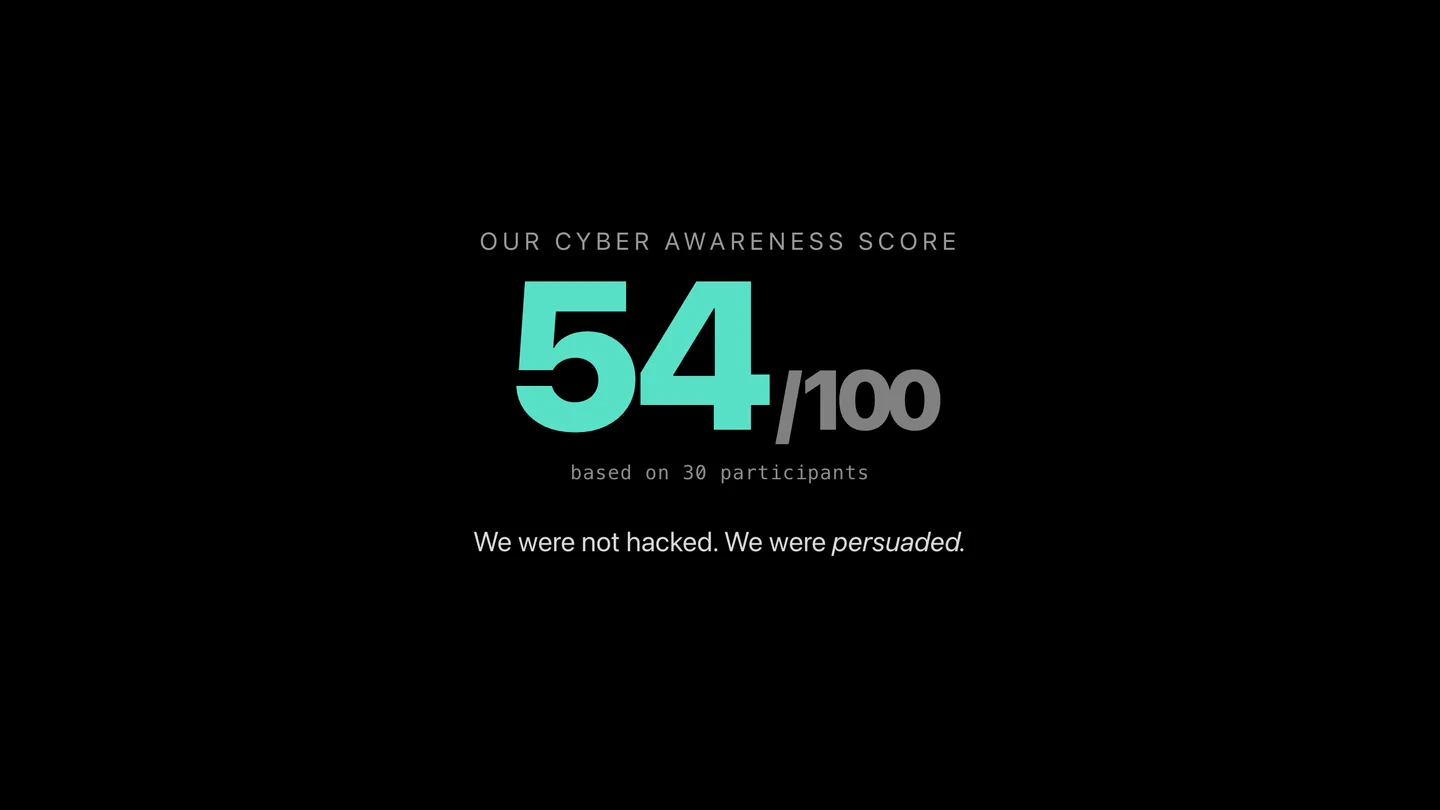
- The score measures trust, not intelligence. Keep it light and playful, never singling anyone out.
- Their page changed with no refresh, because it stayed connected to the server. A website cannot control a phone, but a page you leave open can keep talking and changing.
- Close on the core message: most attacks do not begin with clever code. They begin with ordinary trust.
Tip: pause after each results slide and let the numbers land. A show of hands works better than picking on individuals, and the tone should stay curious rather than critical.
Who it is for
Companies
Security awareness, staff onboarding and lunch-and-learn sessions that people actually remember.
Schools and universities
Digital literacy and online safety lessons for students, brought to life on their own phones.
Community groups
Libraries, youth programmes and parent evenings raising everyday cyber awareness.
Free to use, always
CyberLab QR is a public resource from The Goodwill Ledger. No account, no sign-up, no licence and no cost. Bring a screen and your audience's phones, and you are ready.
Start a sessionFrequently asked questions
Is it really free?
Yes. CyberLab QR is a free public resource from The Goodwill Ledger. There is no account, no licence and no payment, for a company or a school.
Do participants need to install anything?
No. Everyone scans a QR code with their phone camera and an ordinary web page opens. Nothing is downloaded or installed.
Is anyone actually hacked?
No. It is a controlled, honest demonstration. It reveals what a web page can read and what people choose to allow. It never breaks into a device or takes control of a phone.
What data does it collect?
Only what the demonstration needs to make its point: five coarse browser facts (browser and operating system family, language, light or dark mode, touchscreen), the actions people take, and the outcome of permission prompts, all held against a random identifier that only works for that one session. It does not collect names, email addresses, phone numbers, passwords, IP addresses or precise location. The full detail is in the privacy notice.
What happens with the camera photos?
The camera step is optional and set per session. By default photos are never stored: they stay on the participant's phone. If you choose a storage setting, photos are held privately for a moderator to review or, if you allow it, shown on the projector. Stored photos are deleted automatically 60 minutes after the session closes, and every participant can delete their own photo immediately.
How long is anything kept?
A session closes automatically six hours after its last activity or twelve hours after it starts. Photos are deleted 60 minutes after that, and every per-participant record 24 hours after that. Only totals for the room remain, with no identifier of any kind. Data is hosted in a Western Europe region, with a single infrastructure provider named in the site privacy policy.
Can I use it with students or minors?
Yes. Tick "Audience under 18" when you create the session: it switches off the location, camera and microphone steps and never stores photos, and the demonstration still makes its point. If you do want the camera step with minors, secure the appropriate school or parental consent first.
How many people can join one session?
It is designed for large rooms. A single session can handle a big group scanning and interacting at the same time.
What do I need to run a session?
A screen or projector to show the QR codes and the live results, plus your audience's own phones. That is all.
Do I need to sign in?
No. Anyone can start a session and present. Just open Start a session and go.
Privacy notice: what this tool records, and for how long
Exactly what a participant's phone sends, what it never sends, and how long anything is kept. The site privacy policy covers the principles that apply to every tool published here; this states the specifics for CyberLab QR.
What a scan records
- A random participant identifier and a random cookie value, both generated by the server. Neither is derived from you or from your phone. The cookie is named clq_ followed by the session code, expires after 24 hours, is marked Secure, HttpOnly and SameSite=Lax, and is scoped to this tool's path, so it works for that one session only and is never sent to any other site.
- The time you first scanned each of the three codes.
- From the first code, five coarse facts your browser announces to every website: browser family, operating system family, preferred language, light or dark mode, and whether the screen is a touchscreen. The page shows you more than that, including your time zone, screen size, processor and memory bands, but those are displayed on your phone and are not sent.
- From the third code, the outcome of each step: whether you tapped the offer, and whether you allowed or refused location, camera and microphone. Each is recorded as the event name and a timestamp, from a fixed list of eleven, with no other content attached. A participant is capped at 60 events.
- A Cyber Awareness Score computed on the server from those outcomes and shown only on your own phone.
What is never recorded
- Your name, email address, telephone number or any other contact detail. The tool has no field for them.
- Your IP address. The application code never reads it, there is no column for it, and request logging is switched off for this deployment.
- A device fingerprint. The tool does not read canvas, WebGL, audio, font or plugin characteristics, and never sends the raw user-agent string.
- Passwords, authentication codes, card or account numbers. The tool never asks for any of them.
Location, camera and microphone
- Location: if you allow it, your phone works out a position, but the page discards the coordinates and sends only the word granted. If you refuse, it sends denied. No location is derived from your IP address.
- Microphone: if you allow it, the page connects the microphone to an on-device analyser for about three seconds to animate a level bar, then stops it. No recording is made and no audio leaves your phone.
- Camera: see the photographs section below. Permission to use the camera and permission to keep a photograph are treated as separate things.
Photographs
- A photograph can only arise on the third code, only if the organiser left the camera step on, and only after you tap to start the camera, allow it, and tap to take the photo. The image is captured on your phone and reduced to at most 1,280 pixels.
- Never store, the default: the photo is shown back to you and never transmitted. The server refuses uploads in this mode.
- The three storage modes: the photo is uploaded and held privately for a moderator, and, where the organiser chose to allow it, may be approved for a photo wall on the projector.
- A stored photo is kept in a private bucket under a random file name, is never given a public address, and is served only through this tool to someone holding the session's presenter key. A retake replaces the previous one, so at most one photo exists per participant.
- You can remove it yourself at any time with the Delete my photo now button on your result screen. The projector also has a Hide photos control, and a moderator can reject or delete any image.
How long it is kept
- A session closes automatically six hours after its last activity, or twelve hours after it started, whichever comes first. A session nobody joined is deleted after 24 hours.
- Photographs are deleted 60 minutes after the session closes.
- Every per-participant record, meaning the participant row, its device profile and its events, is deleted 24 hours after the session closes.
- A scheduled job runs every fifteen minutes to apply this. What remains afterwards is one set of counts for the room, with no identifier of any kind.
- The database service keeps automatic backups for 30 days, which cannot be switched off. Deleted records remain recoverable within that window and then cease to exist.
Where it is stored, and who can see it
- One infrastructure provider is involved, named in the site privacy policy. The database and the private photo bucket are hosted in a Western Europe region, so the data is stored outside Mauritius.
- The projector and dashboard show totals and percentages for the room. The organiser is never shown which phone did what, and there is no export of participant-level data.
- The projector and moderation screens require a presenter key issued when the session is created, so knowing the session code printed on the projector is not enough to reach them.
- No analytics, advertising or tracking service receives anything, and the pages load nothing from any third-party domain.
Sessions with under-18s, and your requests
- An Audience under 18 option is offered when a session is created. It switches off the location, camera and microphone steps and never stores photographs, and it is enforced on the server whatever else the form says. Organisers can also switch off each step individually.
- Organisers using the camera step with minors are asked to obtain the appropriate school or parental consent first.
- To ask about a record, write through the private response form on The Goodwill Ledger and give the session code shown on the projector and roughly when you scanned. Because participants are anonymous, that is the only way a record can be traced, and in most cases the automatic deletion will already have removed it.
Last updated 18 September 2026.
For educational use only. CyberLab QR is designed for controlled cybersecurity awareness demonstrations. It is not intended for surveillance, credential collection or unauthorised access.